Building Blocks of Airflow
Building Blocks of Apache Airflow🔗
An Airflow pipeline is built from three core building blocks:
DAG → Tasks → Operators
Understanding the responsibility boundaries between these is critical for writing correct, scalable DAGs.
1) DAG (Directed Acyclic Graph)🔗
What a DAG Is🔗
A DAG is a workflow definition that tells Airflow:
- What tasks exist
- In what order they run
- When they run
A DAG does not execute logic. It only describes structure and schedule.
Key Properties of a DAG🔗
| Property | Meaning |
|---|---|
dag_id |
Unique workflow name |
schedule_interval |
When the DAG runs |
start_date |
First logical run date |
catchup |
Whether to backfill missed runs |
default_args |
Common task settings |
tags |
UI categorization |
Important DAG Concepts🔗
Logical Time vs Wall Clock Time🔗
- Each DAG run has a logical date
- Airflow runs for a time period, not at a time
- Example: a daily DAG for
2025-01-01runs after that day completes
This is why backfills work reliably.
DAG Parsing🔗
- DAG files are parsed continuously
- No heavy logic at parse time
- Never call APIs or Spark during DAG definition
Bad:
Good:
2) Task🔗
What a Task Is🔗
A Task is a single step in a DAG.
Examples:
- Run a Spark job
- Execute SQL
- Call an API
- Validate data
- Send a notification
Each task becomes a TaskInstance at runtime.
Task vs TaskInstance🔗
| Concept | Meaning |
|---|---|
| Task | Static definition in DAG |
| TaskInstance | One execution of a task for a DAG run |
Example:
- DAG:
daily_sales - Task:
load_sales - TaskInstance:
load_sales @ 2025-01-01
Task-Level Properties🔗
| Property | Purpose |
|---|---|
task_id |
Unique task name |
retries |
Retry count |
retry_delay |
Wait time between retries |
depends_on_past |
Enforce order across runs |
execution_timeout |
Kill long tasks |
on_failure_callback |
Alerting logic |
Task Dependencies🔗
Defined using operators:
or
This defines execution order, not data flow.
3) Operator🔗
What an Operator Is🔗
An Operator defines how a task is executed.
Think of:
- Task = what
- Operator = how
Each task is an instantiated operator.
Common Operator Categories🔗
Action Operators🔗
Run something:
PythonOperatorBashOperatorSparkSubmitOperatorDatabricksRunNowOperator
Transfer Operators🔗
Move data:
S3ToRedshiftOperatorGCSToBigQueryOperator
Sensor Operators🔗
Wait for a condition:
ExternalTaskSensorS3KeySensorSqlSensor
Sensors block a worker until condition is met.
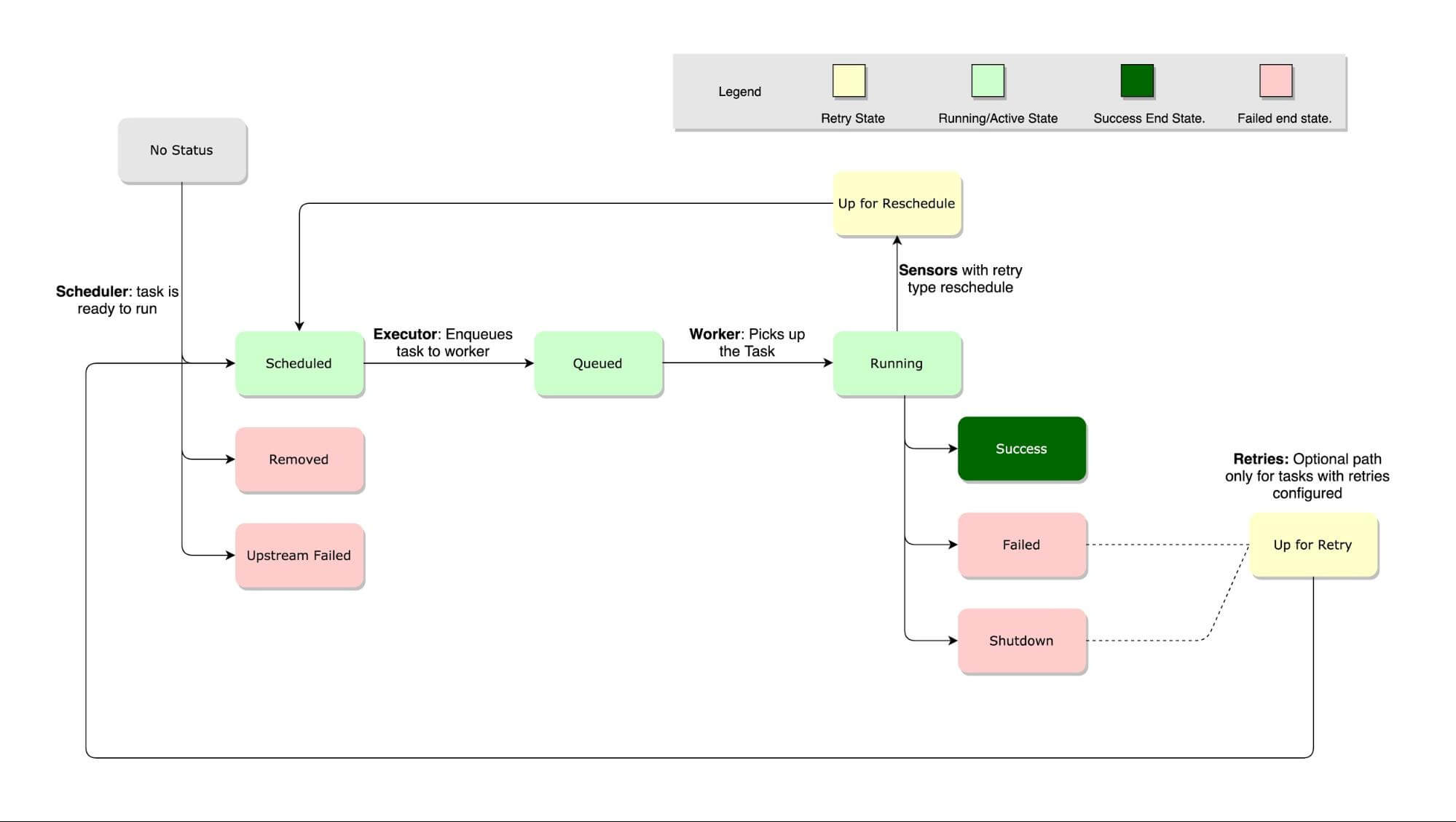
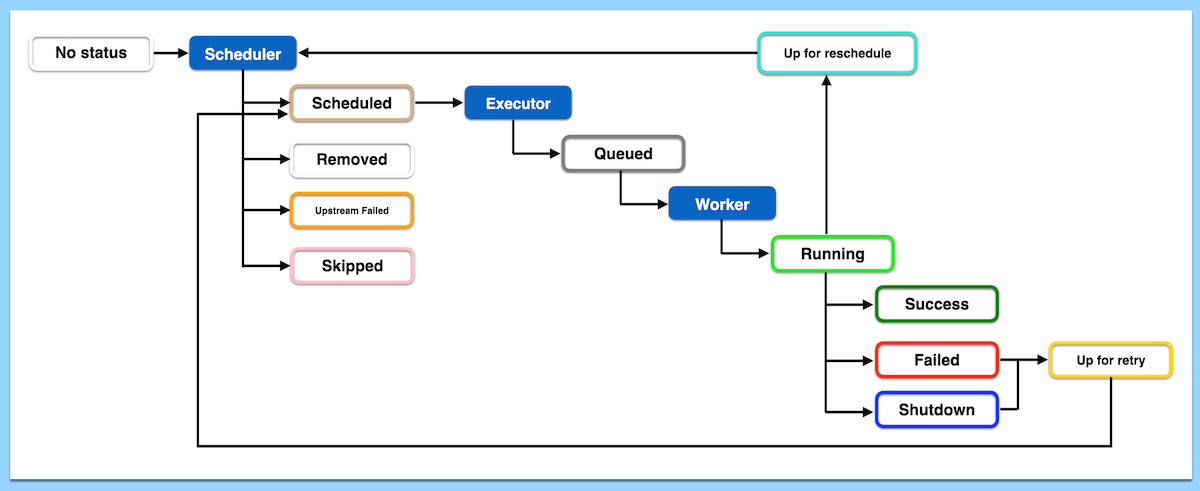
Operator Execution Lifecycle🔗
- TaskInstance queued
- Executor assigns worker
- Operator
execute()runs - Success or failure recorded
- Retries if needed
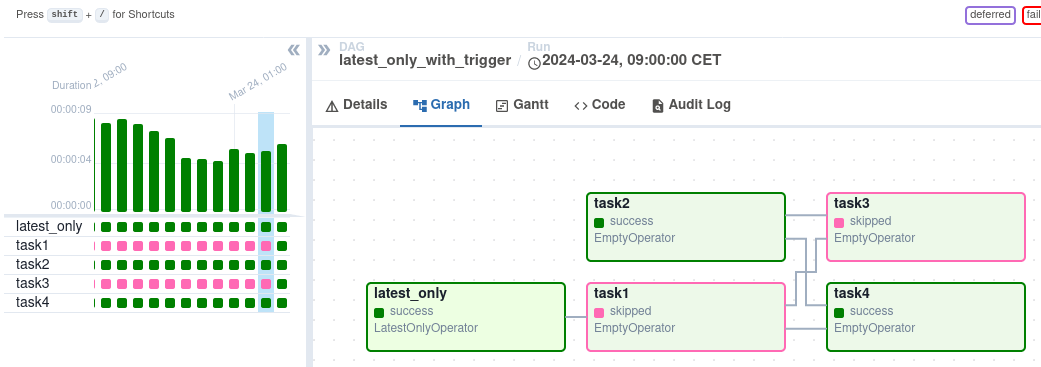
Relationship Between DAG, Task, and Operator🔗
- DAG = container
- Task = node in graph
- Operator = execution logic
Anti-Patterns (Very Important)🔗
Heavy Logic in DAG File🔗
- DAG files are parsed frequently
- Causes scheduler slowdown
One Task Doing Everything🔗
- Poor observability
- Large blast radius on failure
Sensors Without Timeouts🔗
- Worker slot exhaustion
Best Practices (Production-Grade)🔗
- Small, atomic tasks
- Idempotent logic
- Explicit dependencies
- Parameterized tasks
- Minimal DAG parsing logic
- Use Airflow for orchestration, not transformation
One-Line Summary🔗
- DAG defines the workflow structure and schedule
- Task represents one step in the workflow
- Operator defines how that step is executed